How do I start?
Click Start Designing. Use the standard white-front/yellow-back number plate template or choose Design From Scratch.
Create your own personalised number plate keyring. Choose a background, add a flag, vehicle logo and registration, then design the reverse separately or copy the same design to both sides.
F1 Number Plate Keyring (50 × 20mm) – Double Sided
 F1 preview styled along these lines: clear plastic body, metal split ring and artwork inset.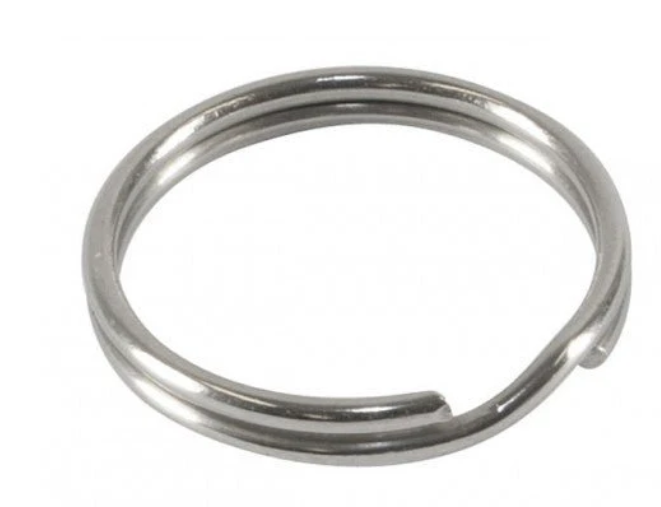
Tip: upload a logo/photo or add text. The front and back are stored separately.
Create your Number Plate Keyring, preview both sides and order your finished design.
Click Start Designing. Use the standard white-front/yellow-back number plate template or choose Design From Scratch.
Yes. Select FRONT or BACK. Create them independently or tick Same design both sides.
Choose a motor background or upload your own. It fills the complete 50 × 20 mm printable area.
Choose or upload a flag and adjust its width, height and vertical position at the left edge.
Choose a logo or upload your own. Resize it and use it with registration text or on its own.
Change the text size and use Text Up/Down to position it correctly around a logo.
This makes the keyring much larger on screen for designing. It does not alter the finished 50 × 20 mm print size.
Click and drag the preview to rotate and flip the keyring so you can inspect both sides.
The completed front and back artwork is stored with the order details for production.
Email leedssimon@live.co.uk.
Your basket is empty.
Pay securely with PayPal. The live PayPal button requires your PayPal Business Client ID before launch.